01 / JUST ENOUGH MOTIONSmall moves.
Small moves.
Your kind of rhythm.
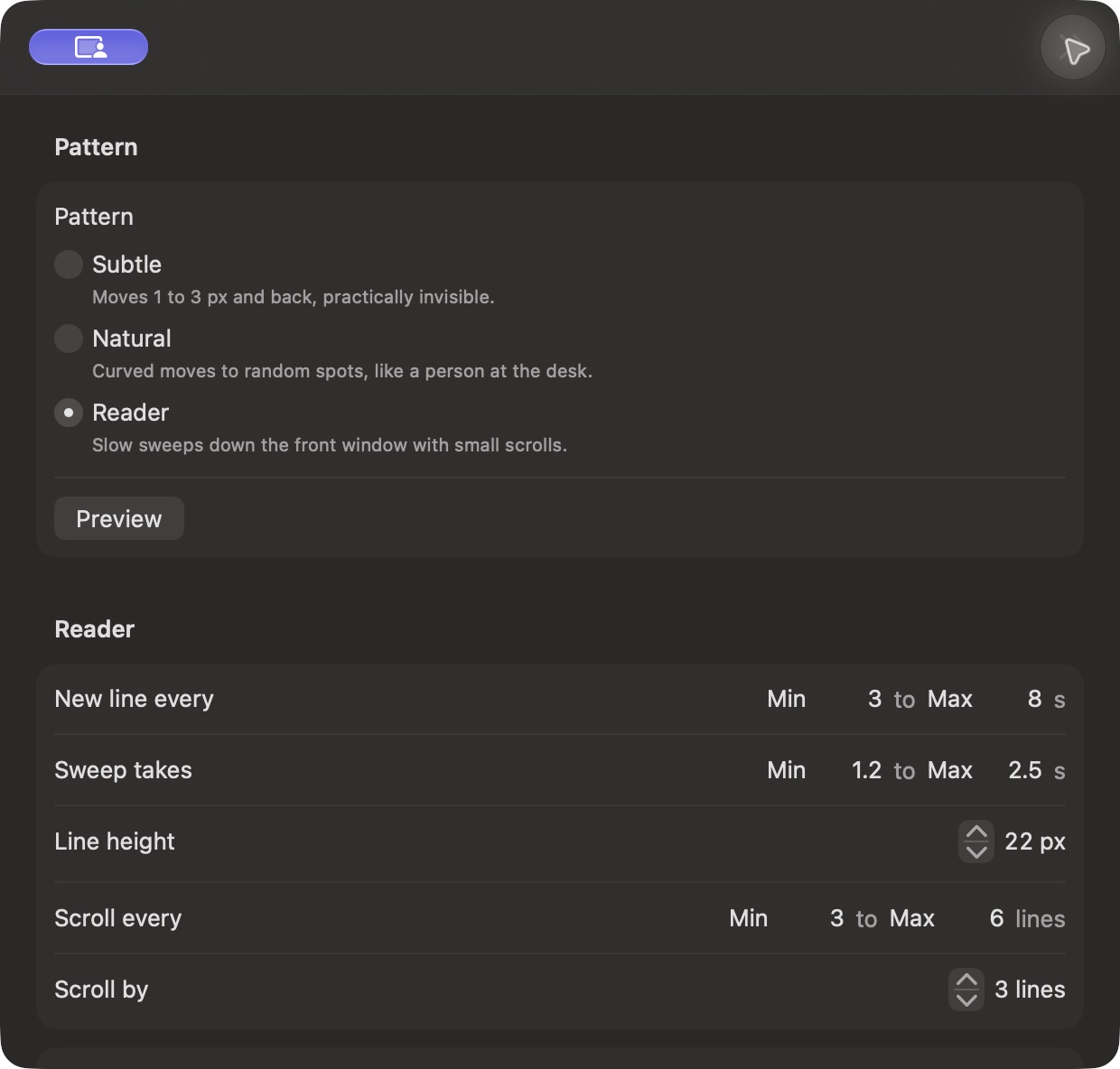
A barely-there nudge, a natural curve, or a reader’s sweep. Pick the movement that fits what you’re doing.
Three movement patterns, scheduled profiles, app cycling, and optional terminal commands. A native Mac utility with one purchase for two Macs.
7 days free · No card required · $19 once
Real screenshots from WakeWisp 0.1.0.
Explore the controls before you download.
Screenshots show example settings, not live activity. Appearance may vary with your macOS version and theme.
A thoughtful set of controls for the moments
when you need your Mac to stay active.
A barely-there nudge, a natural curve, or a reader’s sweep. Pick the movement that fits what you’re doing.
Regular patterns pause when you take over. Tiny keep-alive nudges can still run, and the global shortcut puts Stop at your fingertips.
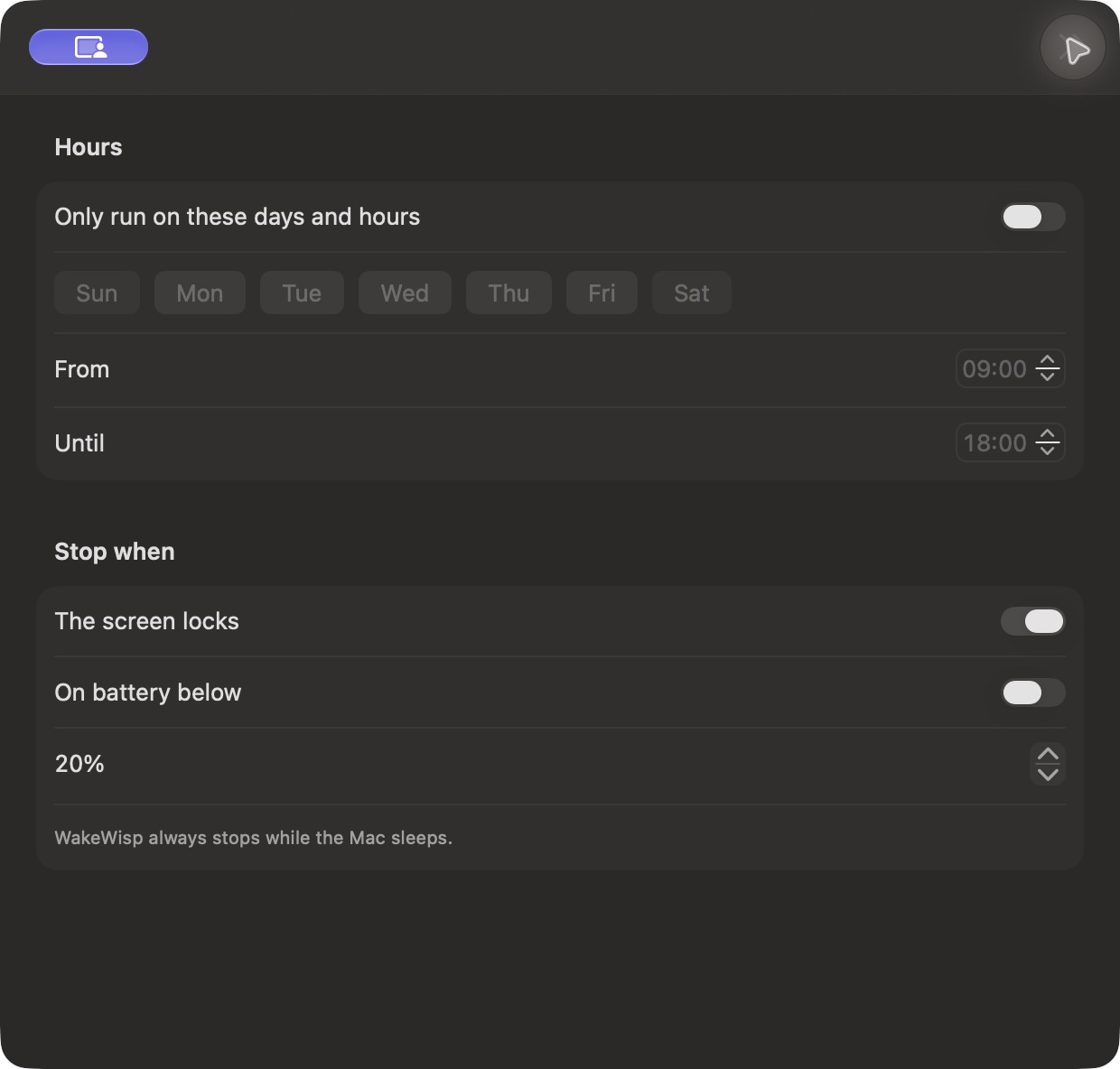
Choose your days and hours. Add profiles for different routines. Hold activity when locked or low on battery.
Optional tools for your everyday routine.
Choose what runs. Leave the rest switched off.
Cycle through your chosen running apps at intervals you set. Go in order or mix things up, then optionally return to the app you started in.
Illustration only. This demo doesn’t control your apps.
Switches between applications, rather than selecting individual windows.
Build reusable terminal command lists for iTerm2 or the VS Code terminal. Choose the order, set intervals, and add a little breathing room between commands.
pwdwait 5sgit status --shortwait 10sgit log -3 --onelinewait 5sYou choose and review the commands. VS Code terminal focus is checked, but a running program cannot be reliably detected.
Open the DMG, drag WakeWisp into Applications, and launch it. It lives quietly in your menu bar.
Enable Accessibility in System Settings so WakeWisp can move your pointer.
Choose a pattern, set your schedule, and start. Pause or stop whenever you like.
Your desktop doesn’t need another monthly bill.
One license. Two Macs. A calmer routine.
A little background magic. No recurring bill.
Try it for 7 days first. No card required.
Future major upgrades may cost extra.
Applicable taxes calculated at checkout.
License verification requires internet at least every 7 days.
Everything else you might be wondering.
WakeWisp is a macOS menu bar utility that generates mouse movement and optional activity. Choose a movement pattern, set your schedule, and let it pause while you use your Mac.
With auto-pause enabled, real mouse or keyboard activity pauses the regular patterns and optional features. Small keep-alive nudges can still occur while paused. Press Control–Option–Command–J to stop, or enable the screen-corner stop.
Yes. Choose an allowlist of running apps, set a switching interval, and use round-robin or random order. You can optionally return to the app that was in front when the cycle started. WakeWisp activates apps; it does not select individual windows.
Create command lists for iTerm2 or the VS Code terminal, choose sequential or random order, and configure intervals and extra wait time. The supported terminal must have focus. iTerm2 also requires Shell Integration and a detected idle shell prompt. VS Code terminal focus is checked, but a running program cannot be reliably detected. Review your commands before enabling this optional feature.
WakeWisp requires macOS 13 Ventura or later. The universal app supports both Apple Silicon and Intel Macs. It does not promise to keep a Mac awake with its lid closed.
macOS requires Accessibility permission for WakeWisp to move the pointer and send input. Optional Input Monitoring enables faster keyboard activity detection. Optional iTerm2 command checks also require Automation permission.
No. Availability and time-tracking behavior varies by service, version, and workplace settings. WakeWisp controls activity on your Mac; it cannot guarantee a particular status in another application.
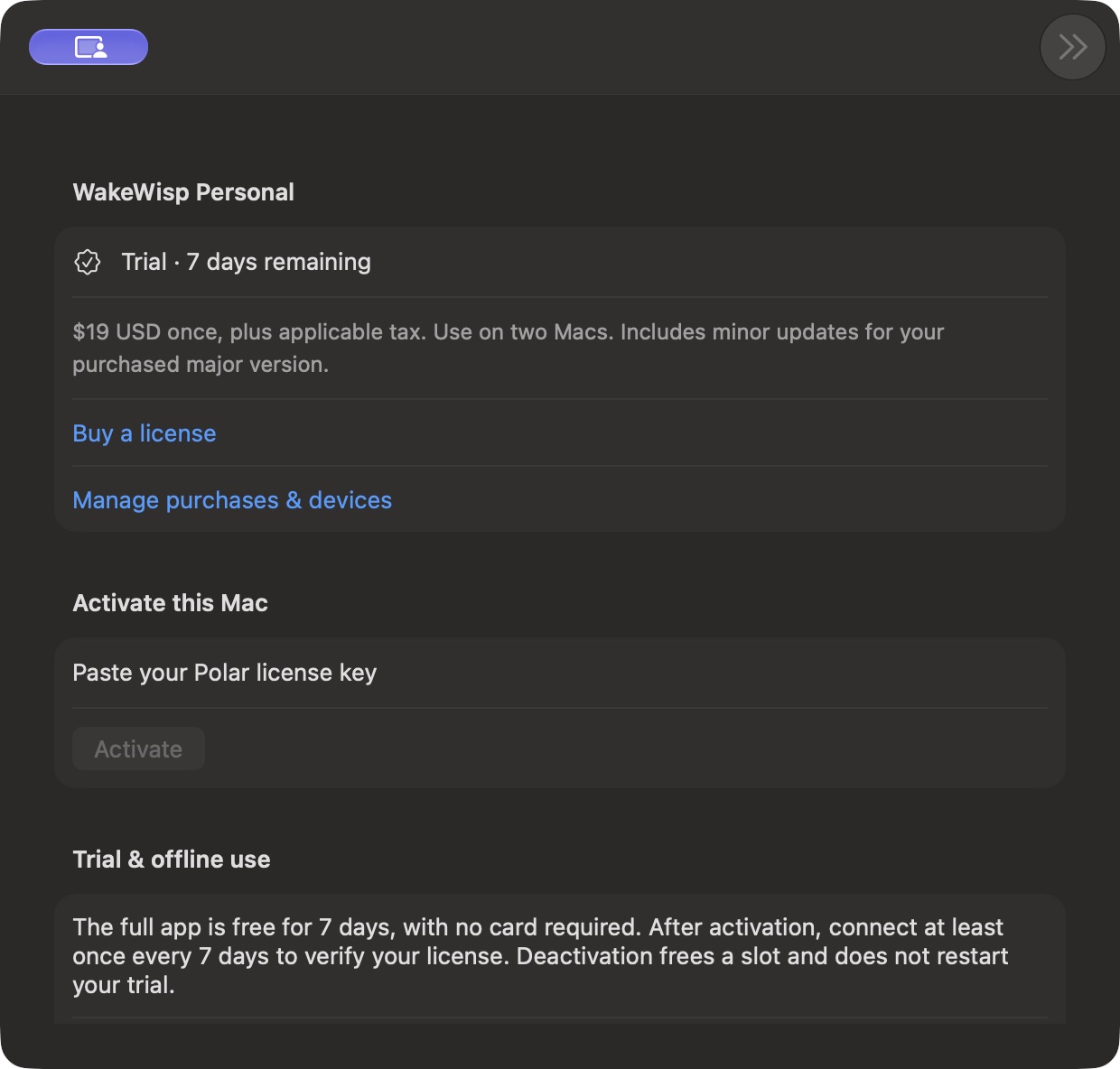
Try all features free for 7 days, with no card required. A $19 USD one-time license covers two Macs, with minor updates for your purchased major version. Activate your Polar license key in Settings → License. Connect at least once every 7 days to verify your license. Future major upgrades may be sold separately.
Yes. WakeWisp is signed with a Developer ID Application certificate and notarized by Apple. macOS may still ask you to confirm opening an app downloaded from the internet. Accessibility permission is required separately.
Check your organization’s device and software policies before installing. WakeWisp respects macOS permissions and does not bypass device management or workplace policies.
Patterns, permissions, and choosing when activity runs.
Read the guide →APP CYCLINGSet an allowlist, choose an order, and return to your starting app.
See how it works →AN HONEST COMPARISONWhen a free keep-awake utility is enough, and when to try WakeWisp.
Compare your options →Built for Mac. Made to stay out of your way.